Routing rules
Routing rules let you steer the agent's behaviour without writing any prompt text or model code. Each rule says, in effect: when a prospect matches profile X, do (or don't do) Y. The runtime evaluates them deterministically — no LLM call — so the behaviour is predictable and testable.
In this chapter you'll:
- Tour the routing rules screen
- Add a Suggest rule that pushes the agent toward booking a meeting when a prospect matches the MQL profile
- Add a Discourage rule that steers the agent away from booking when a prospect is a Tire Kicker, with a softer alternative
You need to have completed Memory types & prospect profiles for any of this to do anything — routing rules consume prospect profiles, and without configured profiles, nothing will match.
The routing screen
From inside the agent settings, click Routing in the agent-settings sub-sidebar.
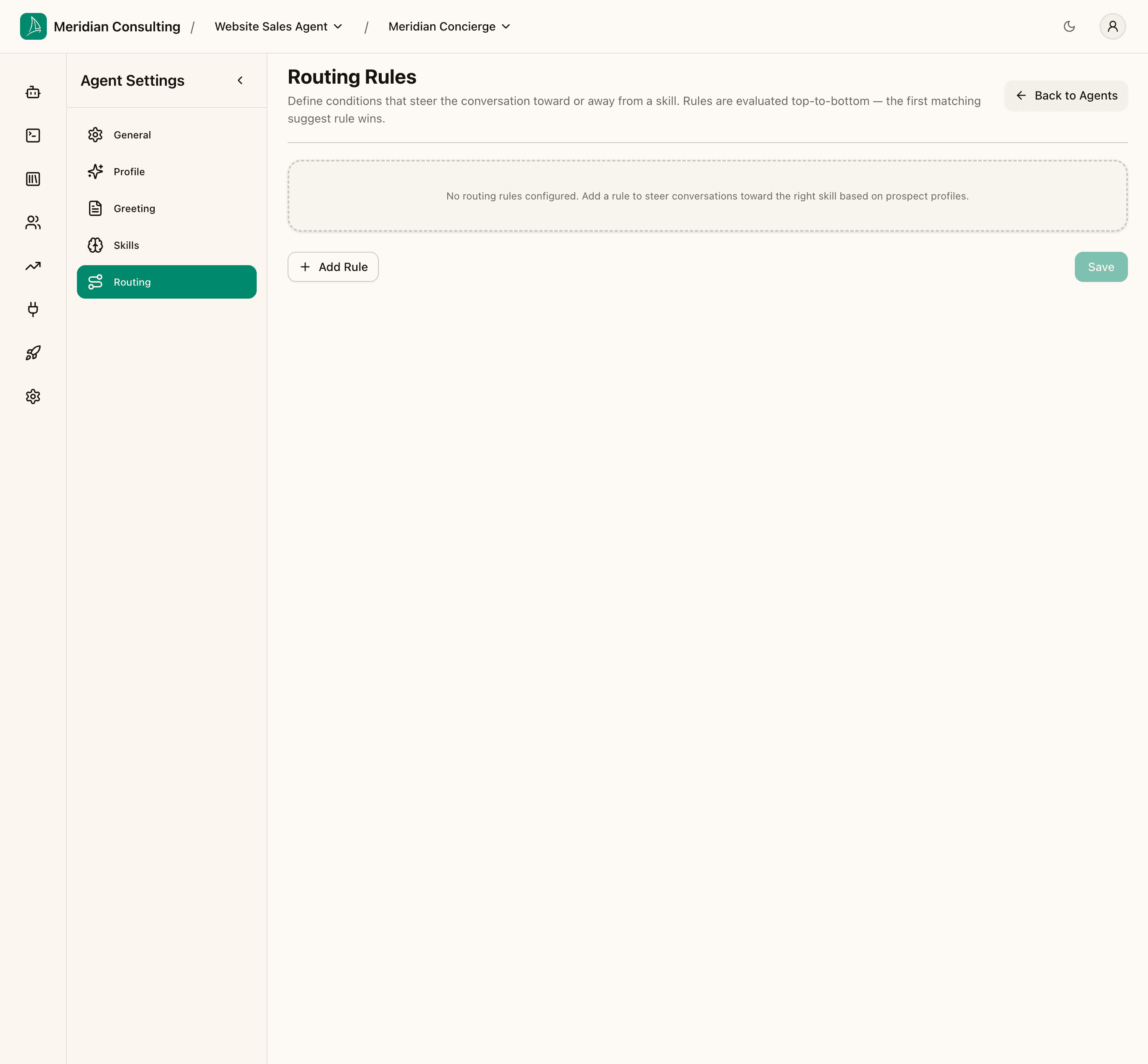
The screen describes itself succinctly: Rules are evaluated top-to-bottom — the first matching suggest rule wins. That sentence packs in three important facts:
- Order matters. Rules are evaluated in the order they appear. Use the move-up / move-down controls on each rule to reorder.
- First match wins (for Suggest rules). Only one Suggest rule fires per turn — the first one whose criteria match. If you have multiple competing suggestions, put the most specific one at the top.
- Discourage rules behave differently. They're stateless and all matching discourage rules fire on every turn. They don't compete; they layer.
A fresh agent has no routing rules — the planner will pick skills based on the visitor's message alone. Routing rules add a layer on top that biases the decision.
How rules feed into the chat turn
Routing rules sit between the planners (intent, tool, slot extraction) and the responder in the chat pipeline (see Introduction). When a rule matches, the platform inserts a directive into the responder's prompt for that turn — something like "prefer the book_meeting skill" or "avoid the book_meeting skill; consider contact_request instead". The responder then assembles its reply with that directive in mind.
This deterministic-routing layer was added to address a recurring problem with pure LLM-driven skill selection: the model's choices were noisy, and small wording changes in the prompt could swing behaviour. Routing rules let you anchor the most important behaviours in code rather than relying on the model to "do the right thing" on every turn.
Adding a Suggest rule
Click Add Rule. A new rule appears, defaulted to Suggest type with an "Untitled rule" name.
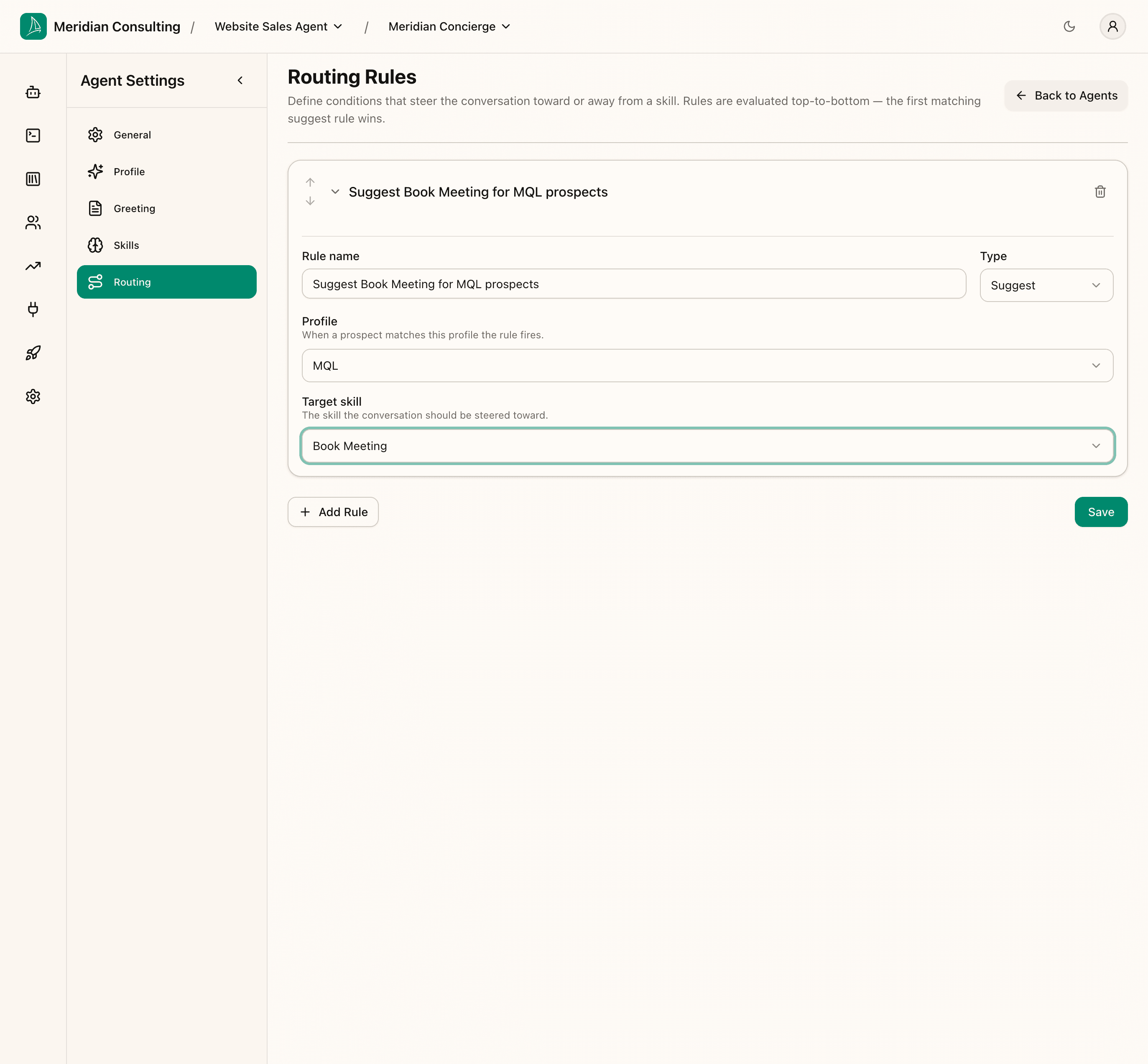
A Suggest rule has four fields:
- Rule name — for your own reference; not seen by the agent
- Type —
SuggestorDiscourage(see the next section for Discourage) - Profile — when a prospect matches this profile, the rule fires
- Target skill — what to push the agent toward
For our first rule, we want to push the agent toward booking a meeting when a prospect has reached the MQL profile we configured in Memory types & prospect profiles.
- Rule name:
Suggest Book Meeting for MQL prospects - Type:
Suggest - Profile:
MQL - Target skill:
Book Meeting
The profile dropdown shows every profile from /prospects/profiles. The target skill dropdown shows every skill in the catalogue (enabled or not — disabled skills are still pickable here in case you want to enable them just-in-time later, though that's an unusual pattern).
What "MQL matches" means in practice. In Memory types & prospect profiles we defined MQL as
Current Challenge present AND Organization Size present. So this rule will fire once a visitor has told the agent both (a) what they're trying to fix and (b) the size of their organisation. From that turn onwards, the agent is steered toward offering a Book Meeting opportunity.
Suggest rule lifecycle — pending, fired, resolved
Suggest rules have a per-session lifecycle the routing engine tracks:
- Pending — criteria are met; the rule is ready to fire but hasn't yet. The agent will see the suggestion on the next turn.
- Fired — the rule has just been applied to the current turn. The responder will see the directive.
- Resolved (acted on) — the agent followed the suggestion (e.g. it actually invoked the target skill). The rule is now done for this session unless criteria change again.
- Resolved (dismissed) — the visitor moved past the suggestion (typically after a couple of turns); the rule has gone quiet.
If the criteria stop matching and then start matching again — say a memory gets updated, then revised, then updated again — the rule cycles back into Pending and can fire again. This deliberate cycling lets a rule re-engage when the underlying signals genuinely change. It also means rules don't fire on every turn just because they technically still match; once a rule has done its job, it stays quiet until something new happens.
Why this matters as a configuration discipline
Suggest rules are powerful — and easy to over-use. A few principles:
- Don't suggest more than one thing per profile. If MQL prospects should "book a meeting or request contact", pick the higher-confidence outcome (Book Meeting) and let Contact Request happen organically.
- Prefer specific profiles over generic ones. A rule keyed on
Hot Leadwill fire less often than one keyed onWarm Lead; the former pushes harder when it does fire, which is usually what you want. - Trust the lifecycle. Don't try to keep a rule active by stretching its criteria. The engine deliberately quiets a rule once it has fired, because reasonably-bounded persistence is better behaviour than constant nagging.
Adding a Discourage rule
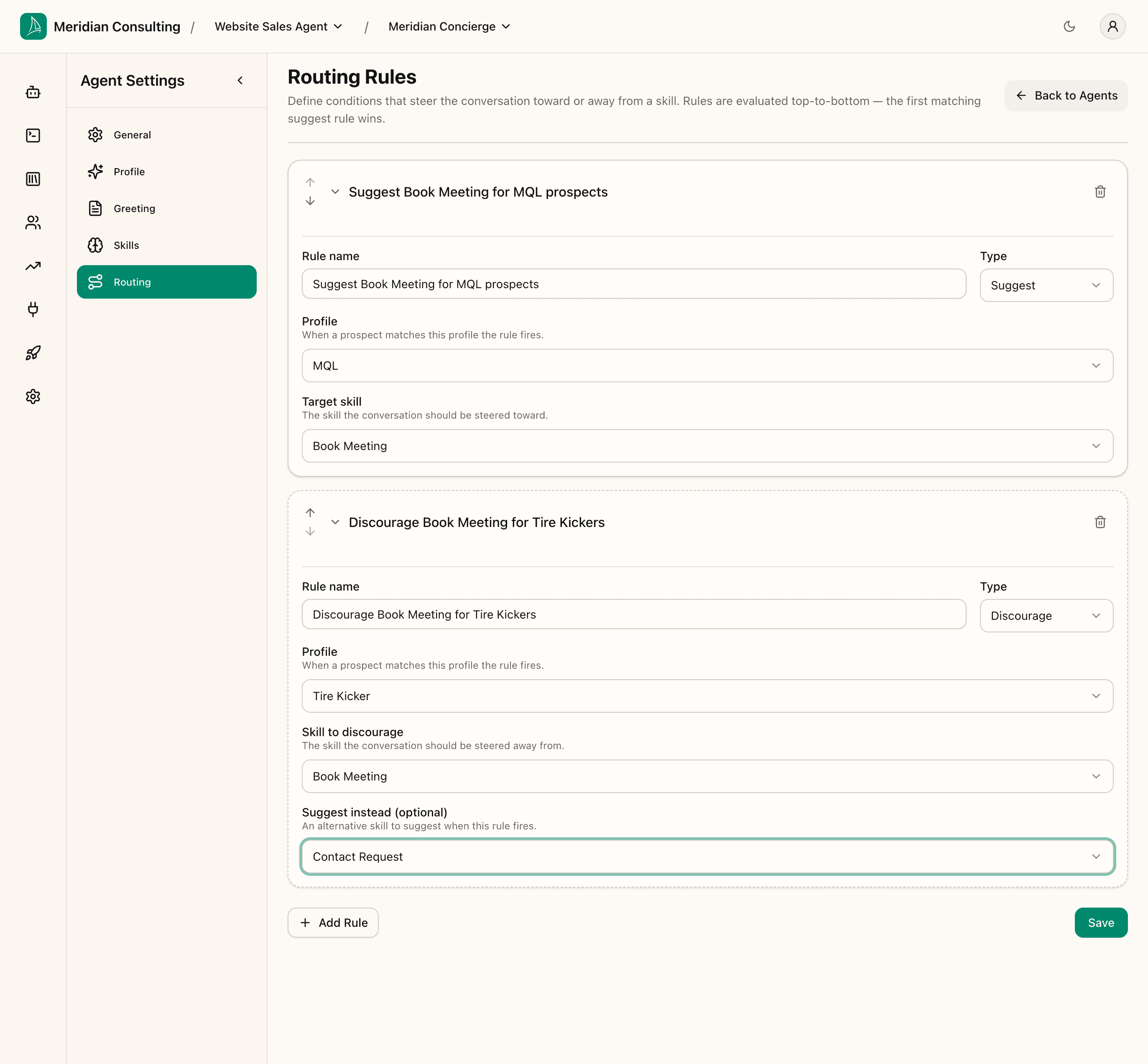
Click Add Rule again. A second rule appears, also defaulted to Suggest. Change its Type to Discourage — the form re-renders with a slightly different field set.
A Discourage rule has these fields:
- Rule name
- Type —
Discourage - Profile — when a prospect matches this profile, the rule fires
- Skill to discourage — what to steer the agent away from
- Suggest instead (optional) — a softer alternative the agent can pivot to
The optional Suggest instead is what makes Discourage rules useful in practice — discouraging without offering an alternative often results in the agent doing nothing, which isn't always what you want.
A simple example:
- Rule name:
Discourage Book Meeting for Tire Kickers - Type:
Discourage - Profile:
Tire Kicker - Skill to discourage:
Book Meeting - Suggest instead:
Contact Request
This says: when a visitor is a Tire Kicker, don't push them toward a meeting (which their behaviour suggests they're unlikely to value or attend); if you're going to push them toward something, suggest a Contact Request — a lighter-touch capture that doesn't burn calendar time.
How Discourage rules differ at runtime
Three differences from Suggest:
- Stateless. No lifecycle. Every turn the criteria match, the rule fires. No pending/resolved transitions.
- All matching rules fire. Unlike Suggest, which picks one winner, Discourage rules layer — every matching one applies its directive.
- Evaluated first. Discourage rules run before Suggest rules. If a Suggest rule's target skill is currently in the discouraged set, the suggest rule is skipped — even if it would otherwise win the first-match competition.
The practical implication: Discourage rules are a hard floor. Suggest rules can't override them. Use Discourage when you genuinely don't want a skill to be considered for a particular prospect shape; use Suggest when you want to prefer something but are okay with the agent overriding.
Saving and the rules list
Click Save to commit both rules.
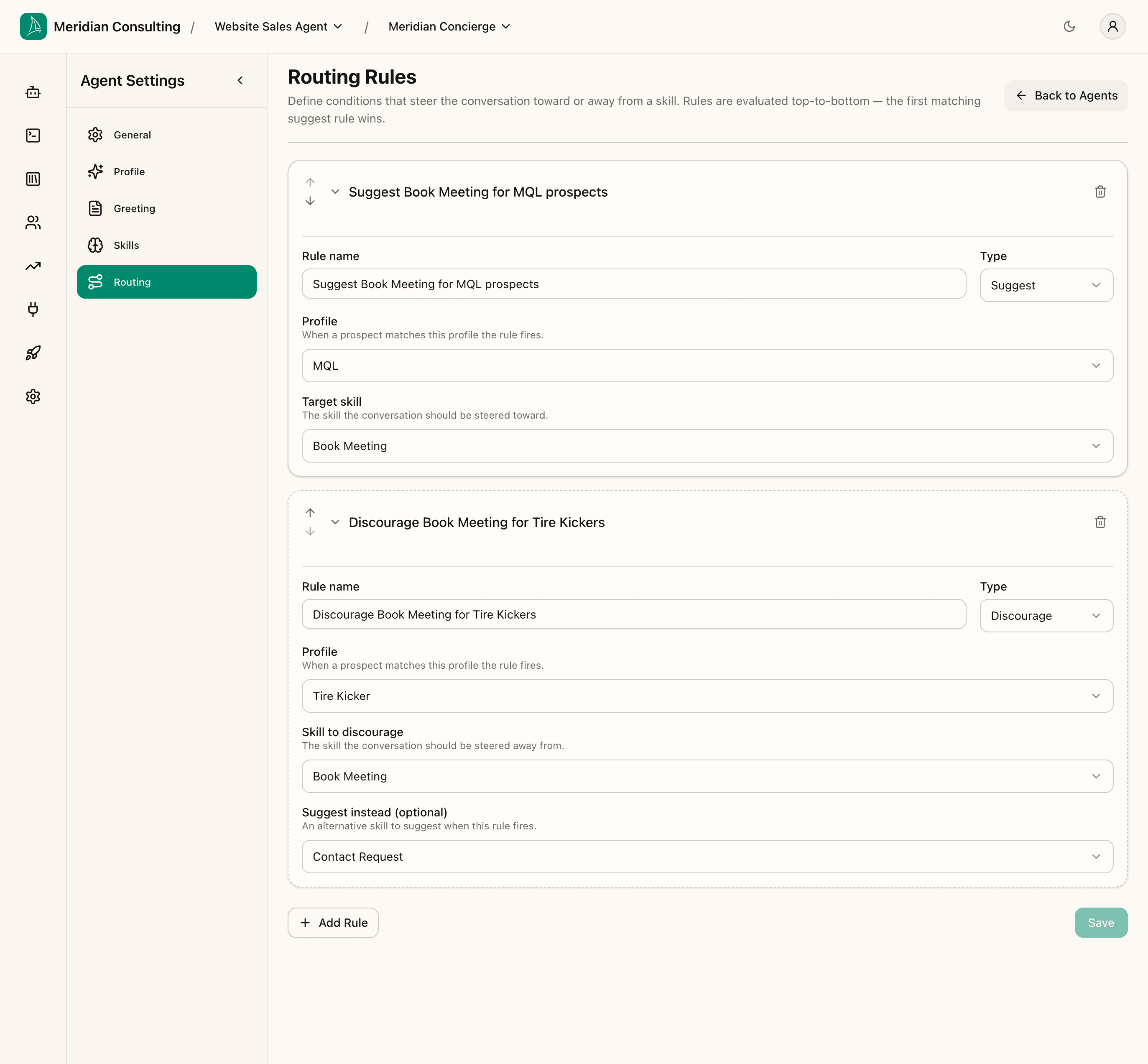
The rules list shows both rules in their collapsed state with their summary names. Click the rule title to expand and edit; click Remove rule to delete. Use Move up / Move down to reorder within the list — remember the order matters for Suggest rules (first match wins).
The two rules we just configured form a complete shape. A qualified prospect gets pushed toward booking a meeting; a low-intent prospect gets pulled away from booking and offered a softer alternative. A production tenant typically grows from there — Suggest Contact Request for warm leads, Suggest Advisory Guidance for high-intent prospects who haven't articulated their challenge yet, defensive Discourage rules for skills you've disabled — but two rules are enough to illustrate the pattern.
What to do when a rule isn't behaving
Three common diagnostic moves:
- Check the profile actually matches. Open the Prospects screen, find a relevant prospect, and look at the profile labels on their detail panel. If the prospect isn't carrying the profile you expected, the criteria on the profile itself need tuning — not the routing rule.
- Check skill enablement. A routing rule pointing at a disabled skill silently does nothing. If you disabled Product Finder in Configuring skills, any rule targeting Product Finder needs either the skill re-enabled or the rule retargeted.
- Check the order. If a Suggest rule isn't firing, look for an earlier-matching rule that's winning the first-match competition, or a Discourage rule that's blocking it.
What's next
The configuration story is complete — agent personality, content, memory, profiles, skills, routing — everything the agent needs to function. Time to test it.